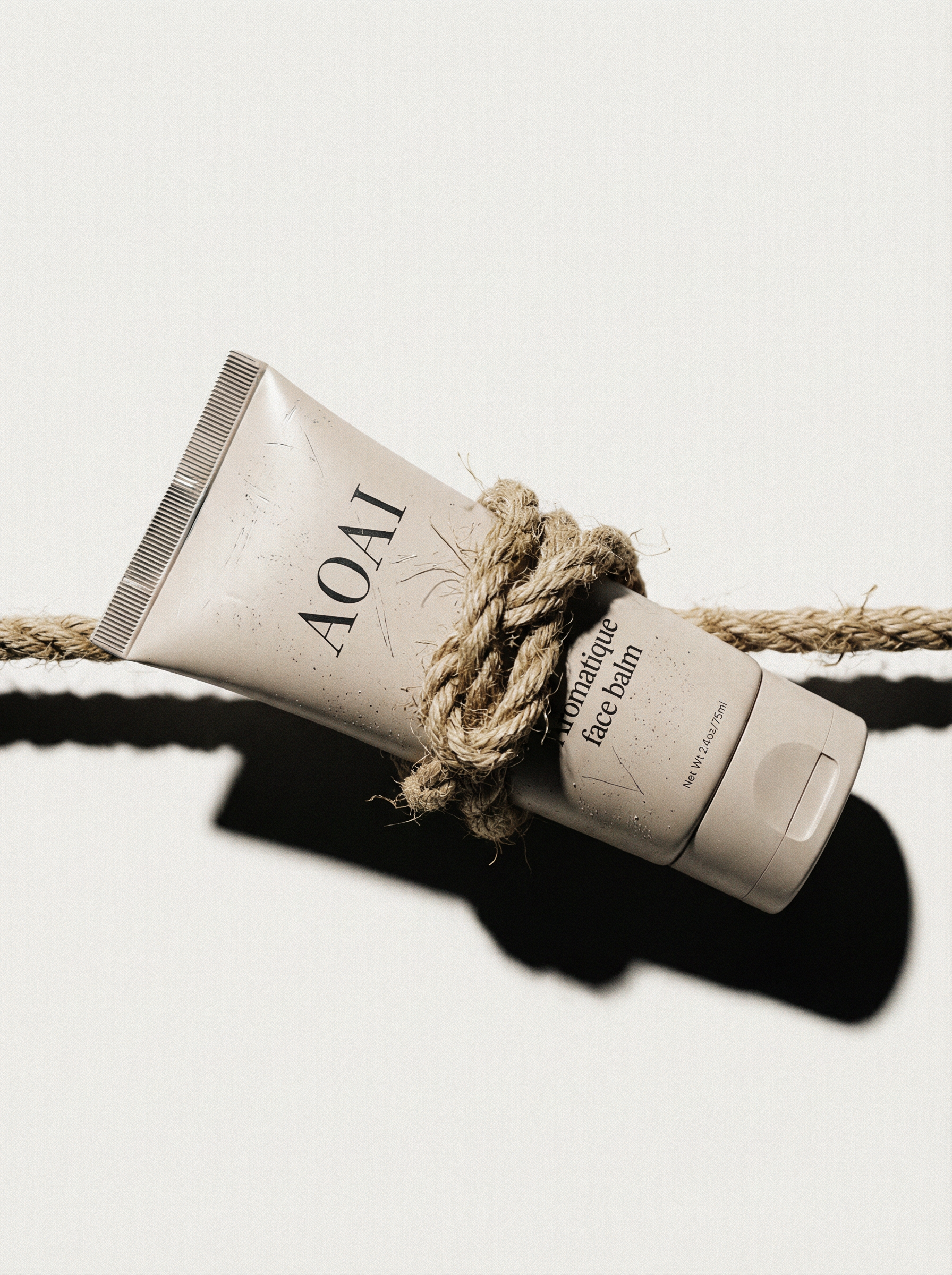
Backstory
June 2025. Black Forest Labs just released FLUX.1 Kontext, a state-of-the-art for character consistency and text editing. I needed a test project.
I mocked up a skincare product labeled "AOAI", a nod to the Academy of AI community where I'm a co-trainer. Then I thought... should I turn it into a parody UGC video? The mastermind coach always nags us that the best approach to prompting is "layer by layer."
So I wrote a script about applying face balm... layer by layer.
Challenge
Most AI-generated video looks too "AI". I gave myself 2 days to create a UGC-style product video and see how far I can go, using only AI tools.
The real challenge: product integrity. Text degrades during animation. Product proportions break. Character consistency fails. Realism is still a bit off.
Solution
Stack tools. Each one solves one specific problem.
Here is the stack I used for this project:
→ Midjourney v7 for character and motion
→ Ideogram 3.0 for clean label text
→ FLUX Kontext for product in hand
→ ComfyUI using a LoRA for skin detail
→ Seedance 1.0 for motion
→ Heygen + ElevenLabs for voice and lipsync
→ Suno for the background track
Process
I think in analogies. So I approached this like a real film production: casting, outfit fitting, location scouting, acting.
Product Mockup + AI Avatar
Ideogram 3.0 for crisp, accurate text on packaging.
Midjourney v7 for base character (I just liked the face).
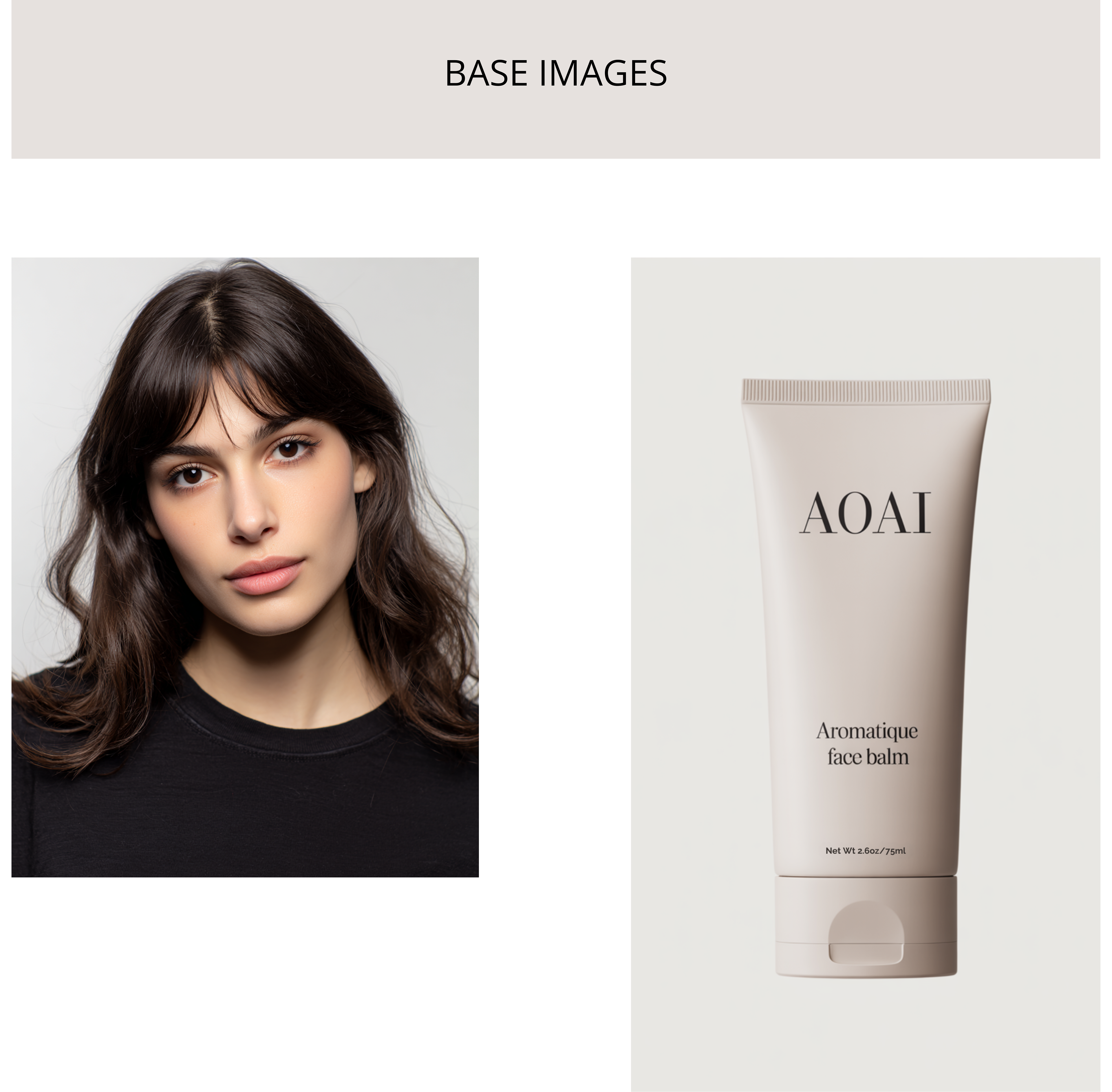

Midjourney v7 image generated with the Omni-Reference `—oref` parameter
Avatar & Scene
Setting the scene, the avatar outfit and hairdo.
I purposely introduced a generic product into the image to get the right proportions in the hand of the avatar and use it as a reference.
Product Integration
Flux.1 Kontext fails at understanding the scale of an object. Product appears disproportionate in the hand of the avatar. That is the reason why a reference image of the whole scene is needed. Flux Kontext uses that reference to maintain realistic proportions and lighting consistency.
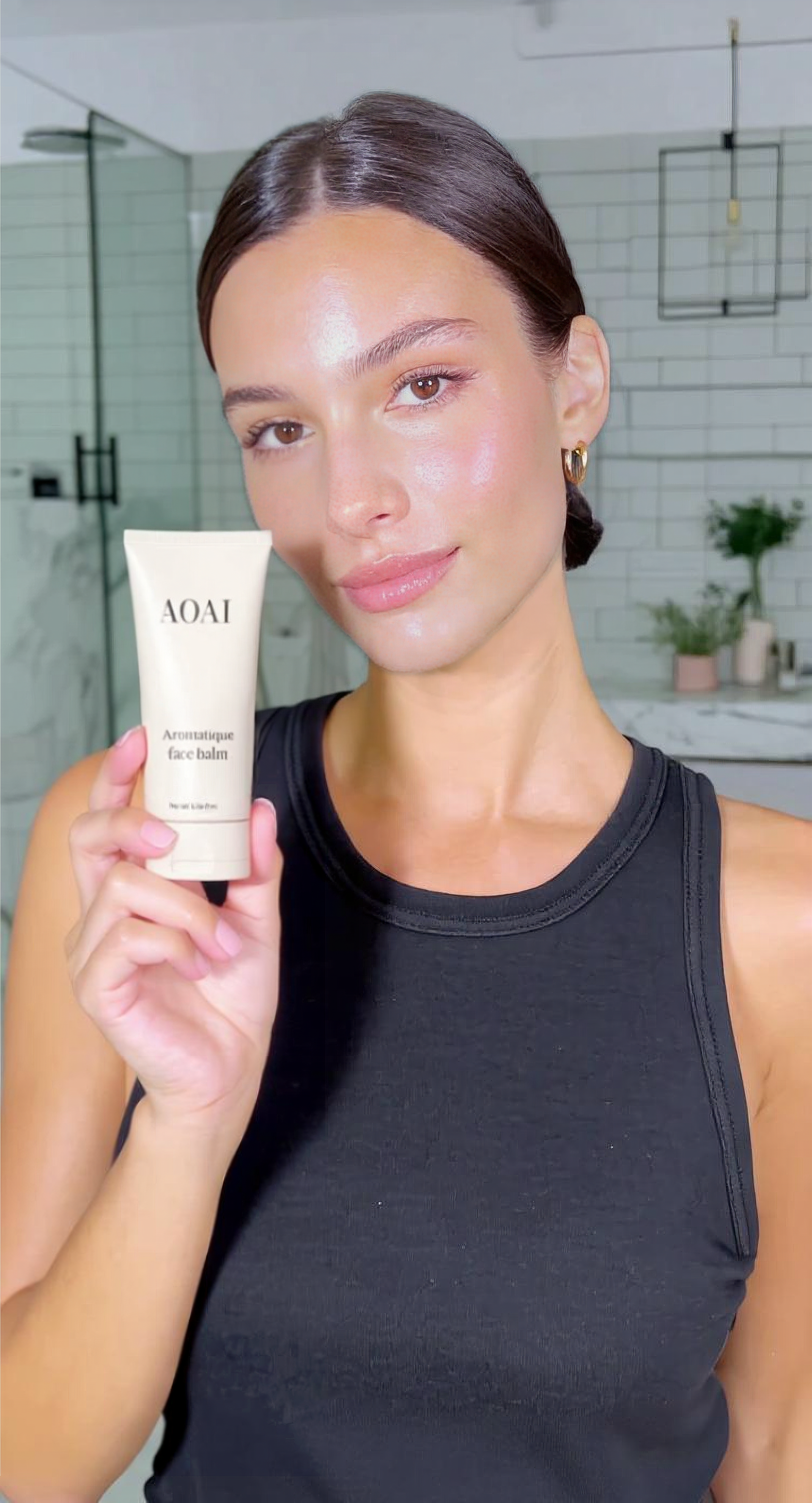
Product placement with Flux.1 Kontext (object swap)
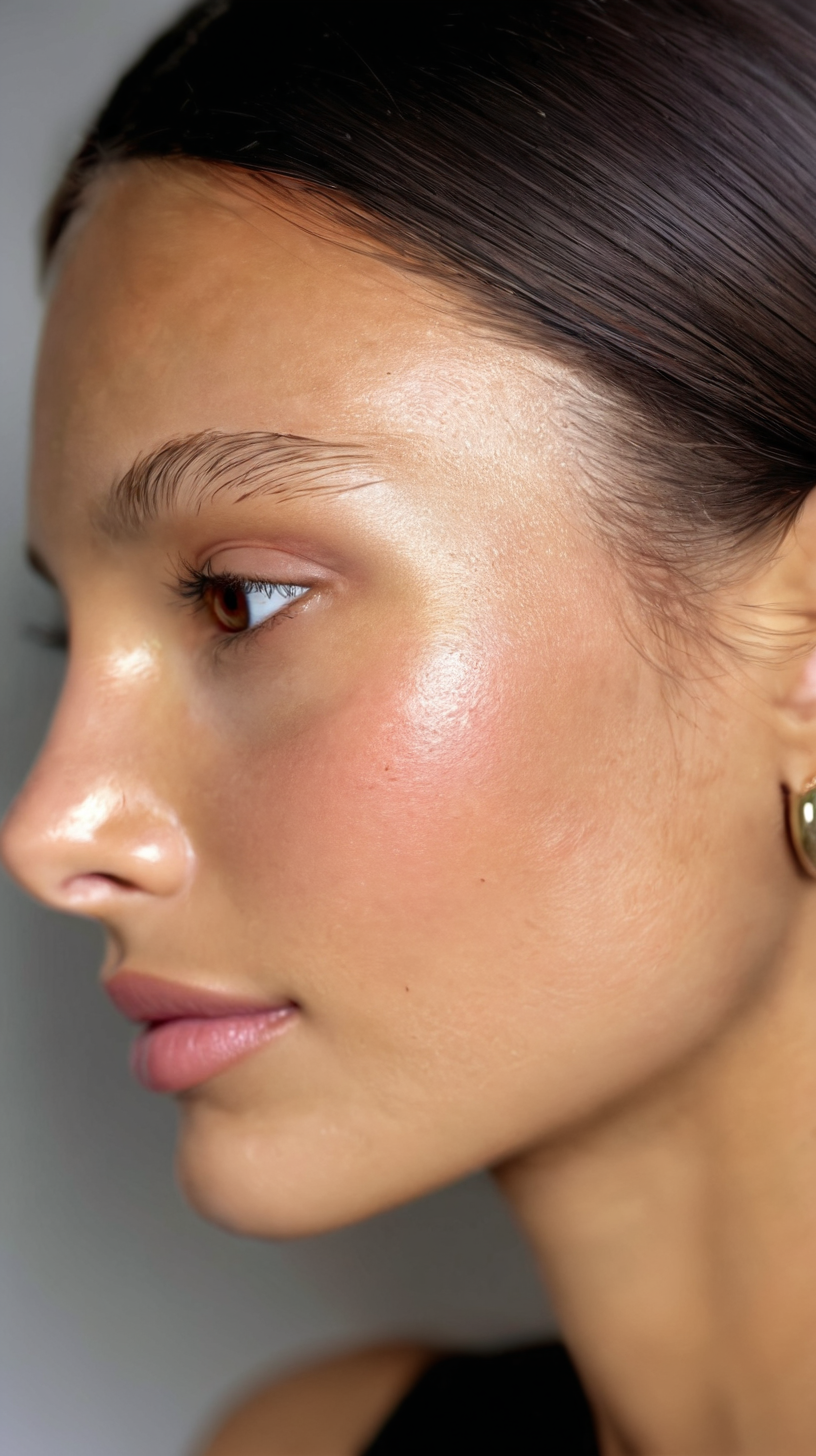
Close-up shot of an image generated with Midjourney and detailed with a LorA.
Skin Detailing
To break the "AI look", I used a ComfyUI workflow that uses a Skin Detailer LoRA; that process upscaled the image and added skin realism that would be useful for when I was ready for animating into video.
Animation
AI Video tools were selected based on specific requirements:
→ Lip syncing: HeyGen Avatar IV
→ Normal avatar scenes: Midjourney v7 Video and Seedance 1.0
→ Text preservation during animation: Seedance 1.0
Suno Soundtrack
Avatar animated with Midjourney Video
Image of hand holding a skincare tube animated with Seedance 1.0
Result
A 30-second UGC video. Most people can't tell it's AI. Those of us working with these tools daily still notice the flaws. But the tech moves fast, really fast. Some problems I had to work around in June were already solved three months later when Google released Nano Banana. Lip-syncing is getting better. The gap is closing.
Reflections
No single tool is the answer. The future isn't "find the perfect AI model." It's "orchestrate the right tools for each problem."
Workarounds beat waiting. While others wait for the next SOTA, the real work happens by understanding current limitations and engineering solutions.
Process > Output. The video is the artifact. The methodology is the value. I am looking for what can be repeatable, teachable, scalable.